





Key facts
- Cheapest right now
- € Standard · Account · Global · GamesPSN
- Live offers
- 20 offers · 16 stores
- Our pick
- Standard · eShop Code · US · Kinguin — €
Want to see more from Gocdkeys on Google?
You need to be signed in to your Google account.
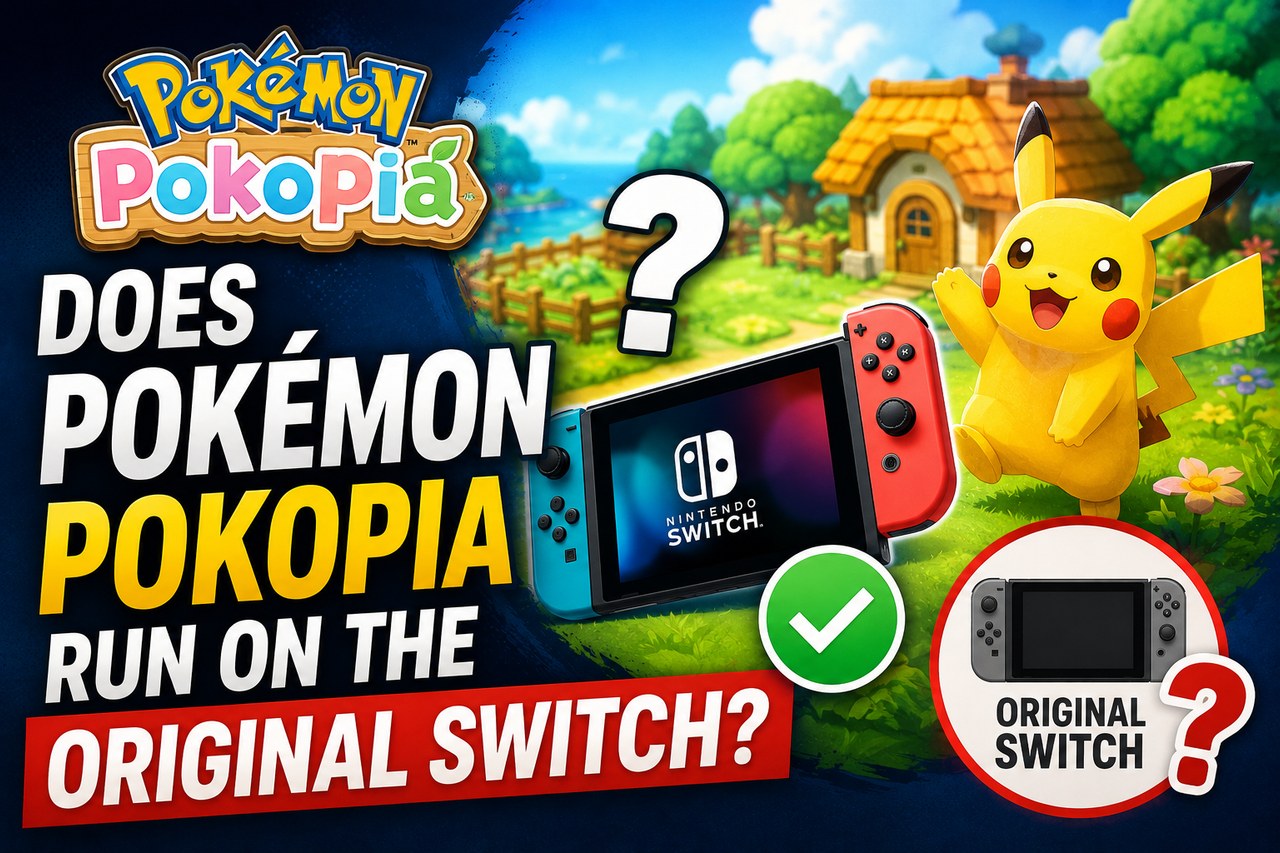
The question arrives before any other and the answer is short: no. Pokémon Pokopia ships as a Nintendo Switch 2 title and will not run on a first-generation Switch, nor on the Lite, nor on the OLED model. There is no cut-down version and no patch that enables it. Everything else in this guide follows from that.
Why a Switch 2 title will not boot on the original Switch
Compatibility between the two consoles runs one way only. The Switch 2 plays the vast majority of the original Switch catalogue, which is why moving console does not mean abandoning your library. The reverse does not happen: the older machine cannot execute software compiled for the newer hardware, with its extra memory, greater graphics power and features the first generation simply lacks. When a game launches for Switch 2 alone, the eShop will not even let you install it on the older console.
The clue is on the box and on the shop listing: titles exclusive to the new console carry the Nintendo Switch 2 branding, while those released for both generations say so separately. Pokopia belongs to the first group.
| Original Nintendo Switch | Nintendo Switch 2 | |
|---|---|---|
| Does it run Pokopia? | No | Yes |
| Previous-generation games | Yes | Yes, the vast majority |
| Games marked Switch 2 only | No | Yes |
| Screen | Smaller and lower resolution | Larger, with a sharper panel |
| Docked output | Up to high definition | Reaches 4K resolution |
| Controllers | Classic Joy-Con | Joy-Con 2, magnetic and with mouse mode |
| Built-in chat with friends | Depends on the phone app | GameChat in the system |
What if you buy it thinking it will work?
This is the expensive mistake of the transition. An eShop code redeems against your Nintendo account, not against a specific console: the redemption will go through even if all you own is the old machine. What you will not be able to do is download and play. The purchase sits there, tied to your account, waiting for the hardware. If the console is on your shopping list, no harm done; if it is not, you have locked up the money.
The physical copy ends the same way by a different route: the cartridge does not fit the old console's slot and is rejected. And for boxed editions that are really a download key inside a case, you are back where the digital code left you.


The formats on the listing, and what each one means
- eShop Code — a download code you redeem on your Nintendo account. It is the majority format and the most convenient: no shipping and no cartridge to lose.
- Standard — usually the boxed physical edition, with the delivery times and postage of an ordinary shop.
- Account — not a code: it is access to somebody else's account that already owns the game. It tends to be the cheapest line on the page and it is the one to dodge, because the game never lands on your profile and whoever built that account still holds its credentials.
The region on the code does matter
Nintendo consoles carry no region lock, but eShop codes do: a code issued for one region only redeems on an account registered in that same region. It is the number one cause of codes that "do not work". Before paying, check which region the offer states and compare it with the country on your Nintendo account; if they differ, take another line even at a slightly higher price. The step-by-step is in our guide to redeeming Nintendo eShop codes.
Waiting until you own the console is the sane move
If you do not have a Switch 2 yet, buying now gains you nothing but the price, and the price of a Nintendo title barely moves in its early months. If you already own one, the listing above is where to compare: the gap between the cheapest line and the official shop is usually wide enough to be worth reading the labels carefully. You can buy Pokémon Pokopia key after checking the code's region and ruling out any offer selling an account instead of a code.

Buying guides and price comparisons written alongside live prices from the stores verified by GOCDKEYS.

 Italiano
 English
 Español
 Português
 Deutsch
 Français