





Key facts
- Cheapest right now
- € 1 Month · Official Key · Global · Lootbar
- Live offers
- 29 offers · 8 stores
Want to see more from Gocdkeys on Google?
You need to be signed in to your Google account.
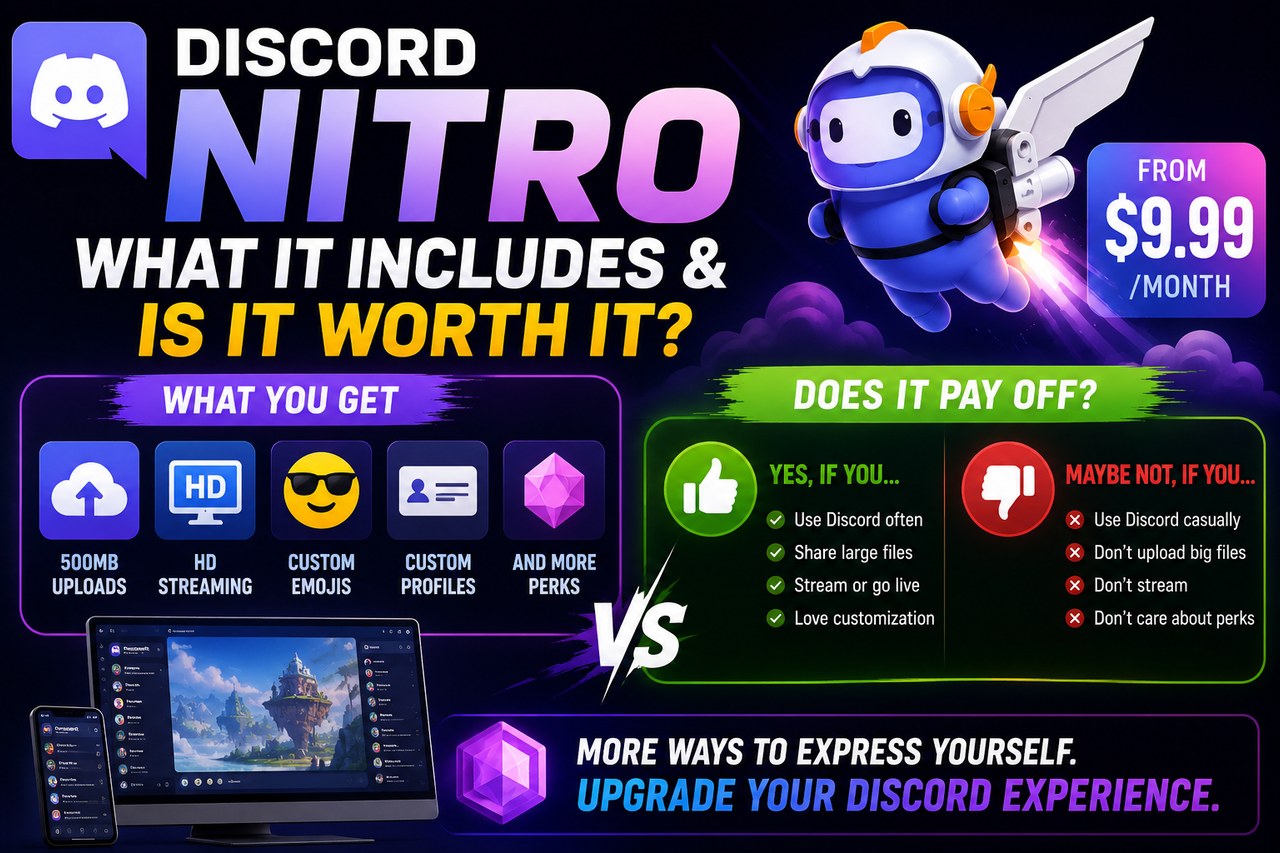
Discord works in full without paying a thing: servers, voice, video and messages are free and will stay free. Nitro does not unlock the app, it decorates it and lifts its ceilings. Knowing which ceilings those are is what decides whether it pays off for you.
What Nitro actually is, and what it is not
Nitro is a paid subscription sitting on top of an account that is already free. It grants no access to private channels, removes nobody's moderation and hands out no permissions inside a server: that is always the call of whoever runs that server. What it does is raise technical limits on your account — the size of the files you upload, the quality of your screen share, the length of your messages — and add personalisation that shows up in every server you join.
Nitro Basic and Nitro: two tiers under one name
The detail that causes most of the confusion is that two different subscriptions are sold and both are called Nitro. The cheap one, Nitro Basic, covers what most people are actually after: custom emoji and stickers in any server, and larger file uploads. The full one, plain Nitro, carries the expensive part: high-resolution screen sharing, the highest upload ceiling and the server boosts included.
| Nitro Basic | Nitro | |
|---|---|---|
| Custom emoji and stickers in any server | Yes | Yes |
| Size of the files you can upload | Above the free limit | The platform's highest ceiling |
| High-resolution screen share at a higher frame rate | No | Yes |
| Server boosts included | No | Yes, plus a discount on extra ones |
| Custom profile, banner and your own tag | Partial | Full |
| Subscriber badge and seniority | No | Yes |
Is it worth it, and for whom?
Three profiles stand out. If you drop in to chat and send the odd image, the free plan is plenty and Nitro will not change your day. If it annoys you that a short clip will not clear the upload limit, and you use one server's emoji in another, Nitro Basic solves nearly all of it for a lot less. And if you share your screen often — a match, a show with friends, walking someone through their PC — or you run a server you want kept boosted, that is where the full tier starts to add up: the included boosts are the part that genuinely justifies the price.
One warning that saves grief: boosts apply to one specific server and stay there only while the subscription is alive. Let it lapse and the server drops back a level, taking the extra emoji slots, the better audio and the rest of the perks with it.


Monthly or a full year?
Discord sells the subscription by the month and by the year, and the yearly one always works out cheaper per month: the classic pay-up-front discount. The real question is not arithmetic, it is commitment. If this is your first go, a single month is a cheap test bench; if you have been paying for a while, the yearly plan is money you stop throwing away.
This is where a comparator changes the maths, because the codes listed above do not come only in monthly and yearly. Three- and six-month blocks circulate that Discord does not sell directly. That middle ground is the one usually missing, and often the one that fits.
Five details that separate two near-identical listings
- The duration comes first: the label says whether you are buying one month, three, six or a year. Two listings with wildly different prices are usually, simply, different lengths.
- The tier: check whether the code is full Nitro or Nitro Basic. It is the costliest mix-up on this product.
- The region: some codes only redeem from certain countries. If the listing flags a region, that is information, not decoration.
- Stacking codes: redeeming a new one while a subscription is already running usually extends the time, but mixing tiers does not always behave the way you expect. If you already pay for Nitro, do not buy Basic to stretch it.
- Odd formats: if an offer sells access to somebody else's account rather than a length of subscription, it is not the same product and it does not end well.
Redeeming is short: open the account settings, go to the subscriptions section and enter the code. If you have never had Nitro, keep a valid payment method handy, because some promotions ask for one even when the code covers everything.
With the tier and the length settled, all that is left is comparing. You can buy Discord Nitro key once you know which block suits you, because that is where nearly all of the price gap lives.

Buying guides and price comparisons written alongside live prices from the stores verified by GOCDKEYS.

 Italiano
 English
 Español
 Português
 Deutsch
 Français