





Key facts
- Cheapest right now
- € 450 VP · Official Key · Global · G2A
- Live offers
- 24 offers · 5 stores
Want to see more from Gocdkeys on Google?
You need to be signed in to your Google account.
What you need before adding Valorant Points
- Have access to your Riot Games account
- Know the region associated with your account
- Have a valid Valorant Points code
Difference between buying and redeeming Valorant Points
It’s important to understand the difference between buying Valorant Points and redeeming them. Buying is done through digital stores, while redeeming consists of entering the code into your Riot Games account to add the balance. This article focuses exclusively on the redemption process.
Steps to add Valorant Points to your Riot Games account
Follow these steps in order:
- Log in to your Riot Games account
- Go to the code redemption section
- Enter the Valorant Points code
- Confirm the operation
Where are Valorant Points added?
Valorant Points are added directly to your Riot Games account, not to a specific device. Once redeemed, they will be automatically available in Valorant regardless of whether you play on PC or another compatible platform.
Common errors when adding Valorant Points
If the balance is not added correctly, it is usually due to one of the following reasons:
- The code was entered incorrectly
- The code belongs to a different region than your account
- The code has already been used
Where to check all Valorant Points options
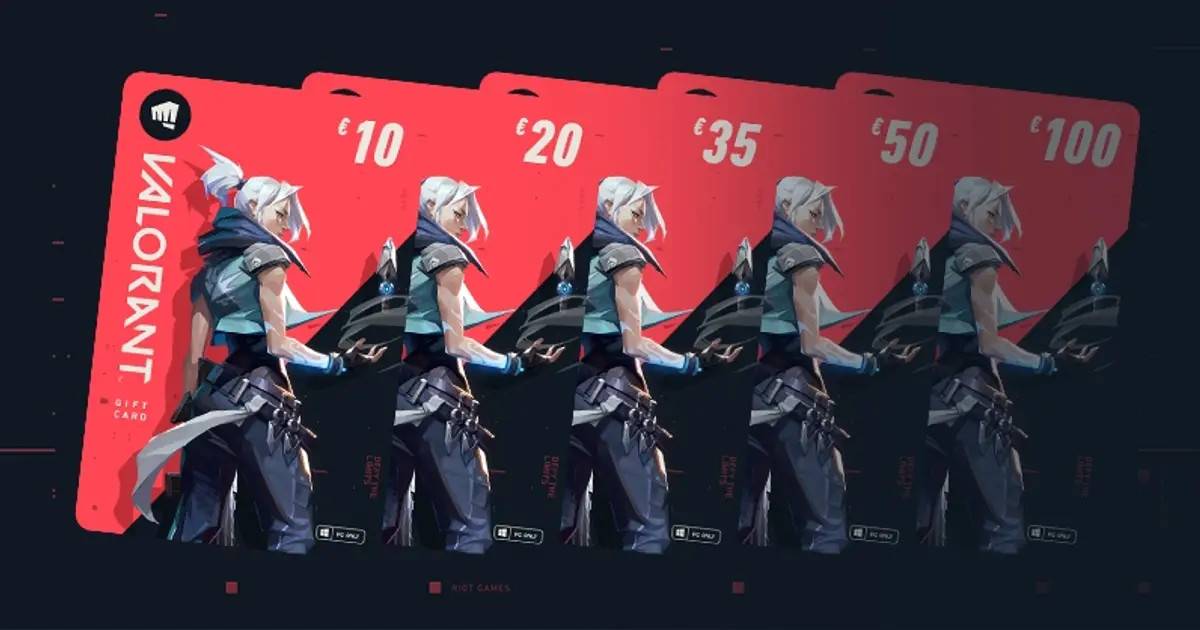
Below is the grid with every denomination available in your region and the cheapest price for each, updated in real time. Select the amount you need to see the stores that sell it.
Editions



GOCDKEYS Team
Buying guides and price comparisons written alongside live prices from the stores verified by GOCDKEYS.
Related articles

 Italiano
 English
 Español
 Português
 Deutsch
 Français