





Want to see more from Gocdkeys on Google?
You need to be signed in to your Google account.
The Steam Account format is often the cheapest way to play a title: instead of a code to redeem, you receive a brand-new Steam account that already includes the game. On Gocdkeys you will find these offers under the "Account with game" tab on each product page. Activating one takes just a few minutes — here is exactly how it works.
What you receive when you buy an account with game
After completing the purchase, the seller provides an activation link. Through it you get the login and password of a fresh account with the game already in its library. The game stays tied to that account (it is not added to your personal one), which is precisely why this format is cheaper than others.
Activation, step by step
1. Open the activation link
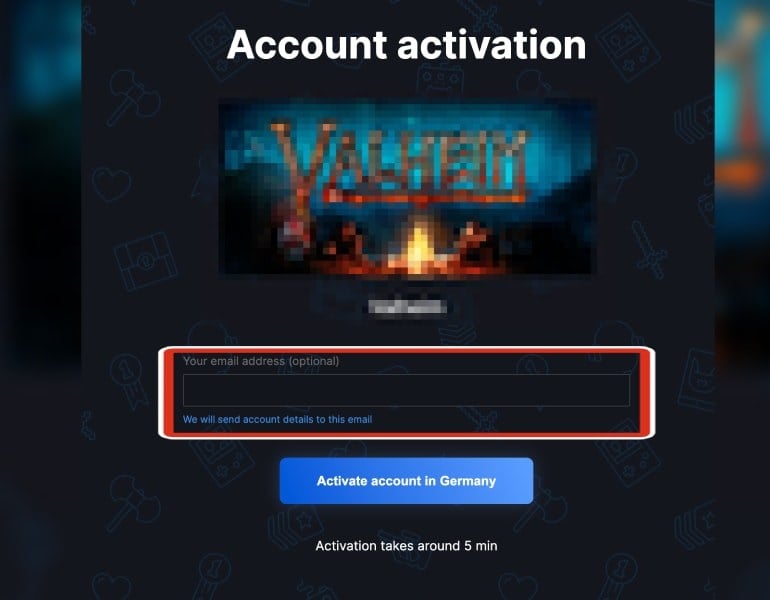
Open the activation link the seller gave you after the purchase. You will land on an Account activation page showing the game you bought. You can enter your email address (optional) so the account details are also sent to your inbox. Then press the activation button — the process takes around 5 minutes.
2. Get your account credentials
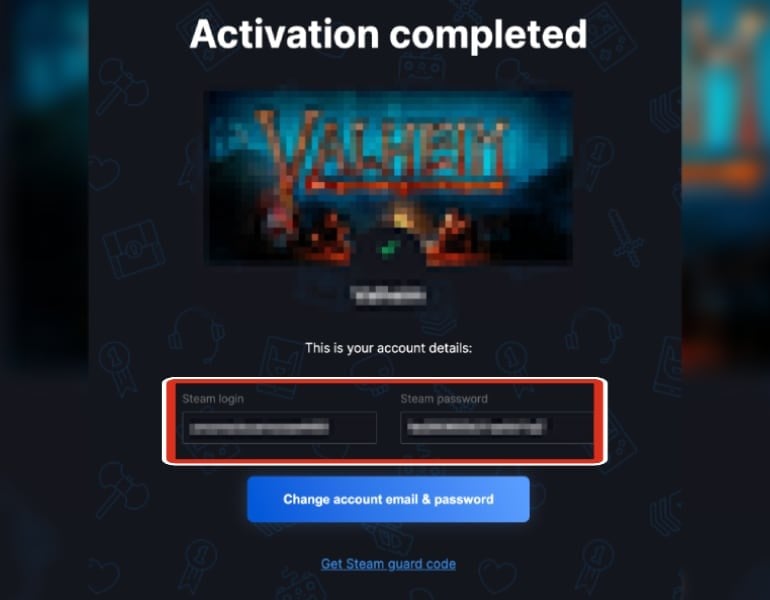
Once the activation finishes you will see an Activation completed screen with your account details: the Steam login and password. If you entered your email in the previous step, you will receive a copy there too. You can already sign in to Steam with these credentials and start downloading the game.
3. Change the email and password
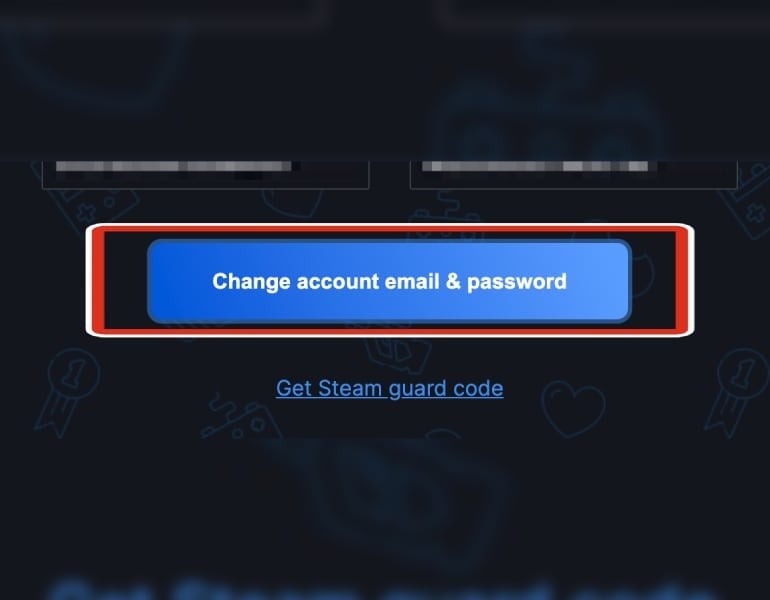
This is the most important step: press "Change account email & password" and set your own email and a new password. From that moment the account is fully yours and nobody else can access it. If Steam asks for a Steam Guard code when logging in, use the option provided on the same page to get it.
Other sellers' activation portals
Not every seller uses the same activation page. These are the flows of three common sellers — the idea is always the same: open the activation link, retrieve your credentials and secure the account.
Cdkeymart
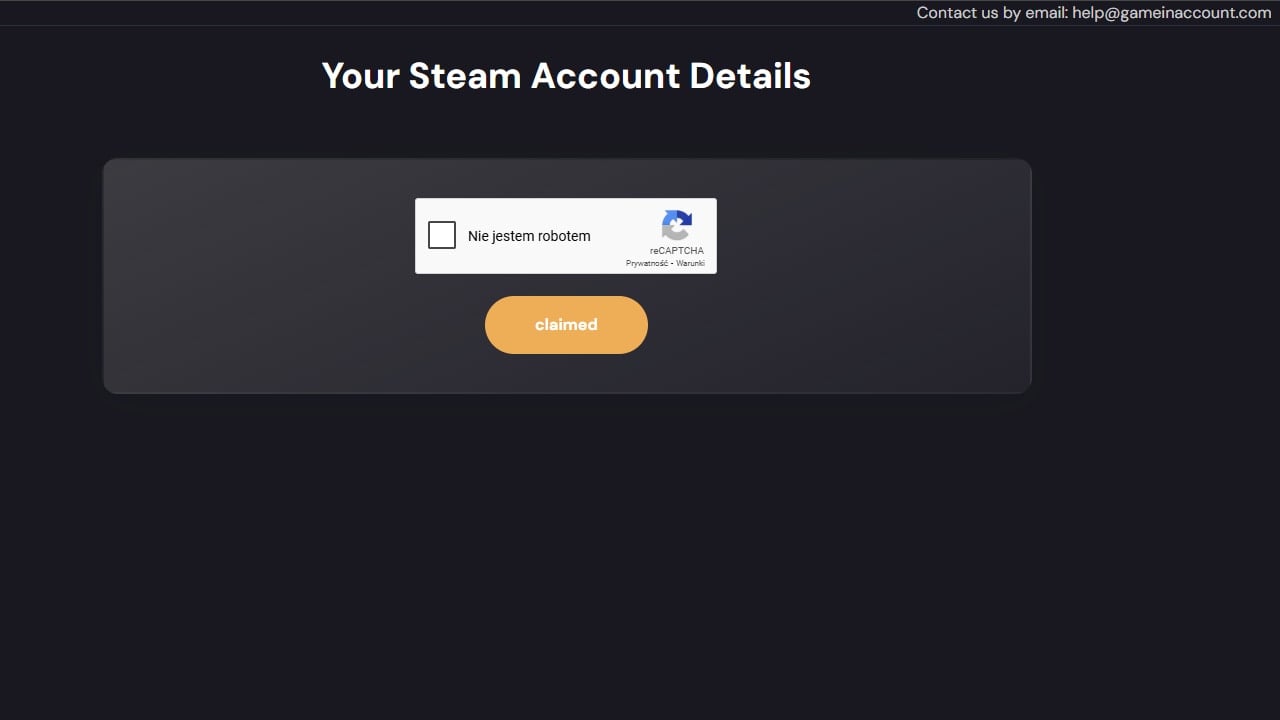
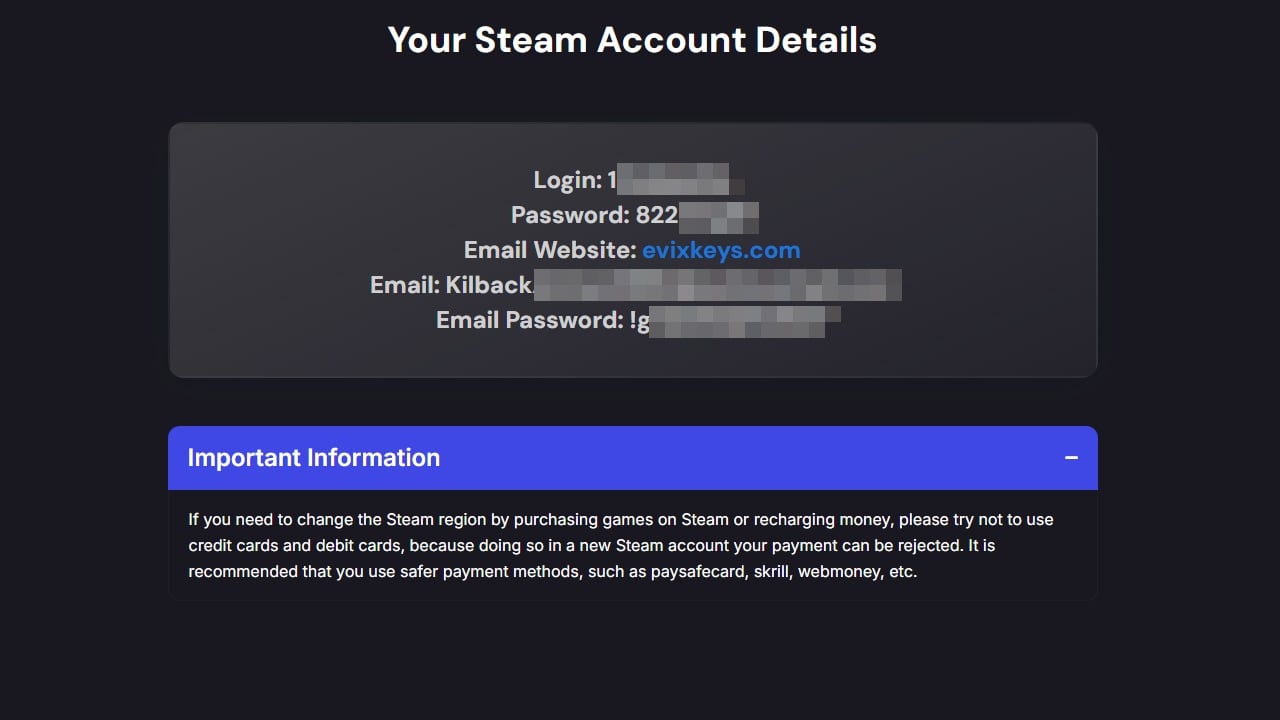
Open the activation link you received, complete the captcha and you will land on a page with all the details of your new account.
Junao_game
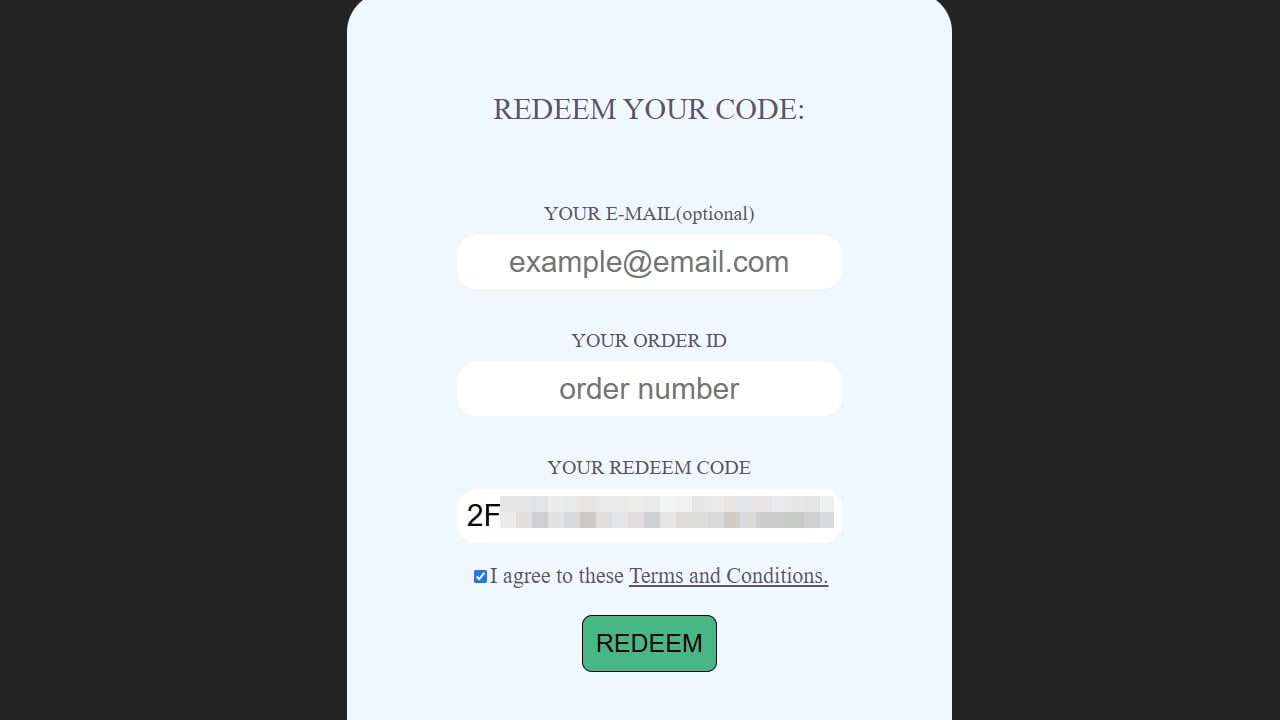
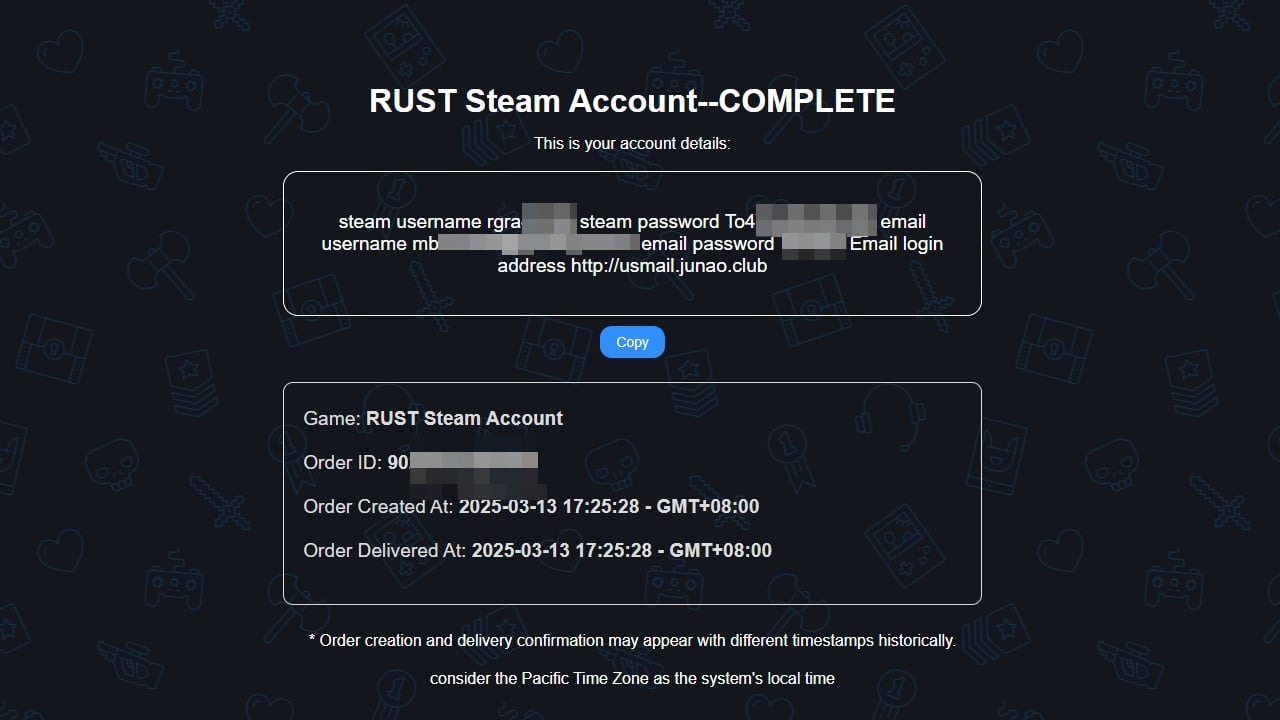
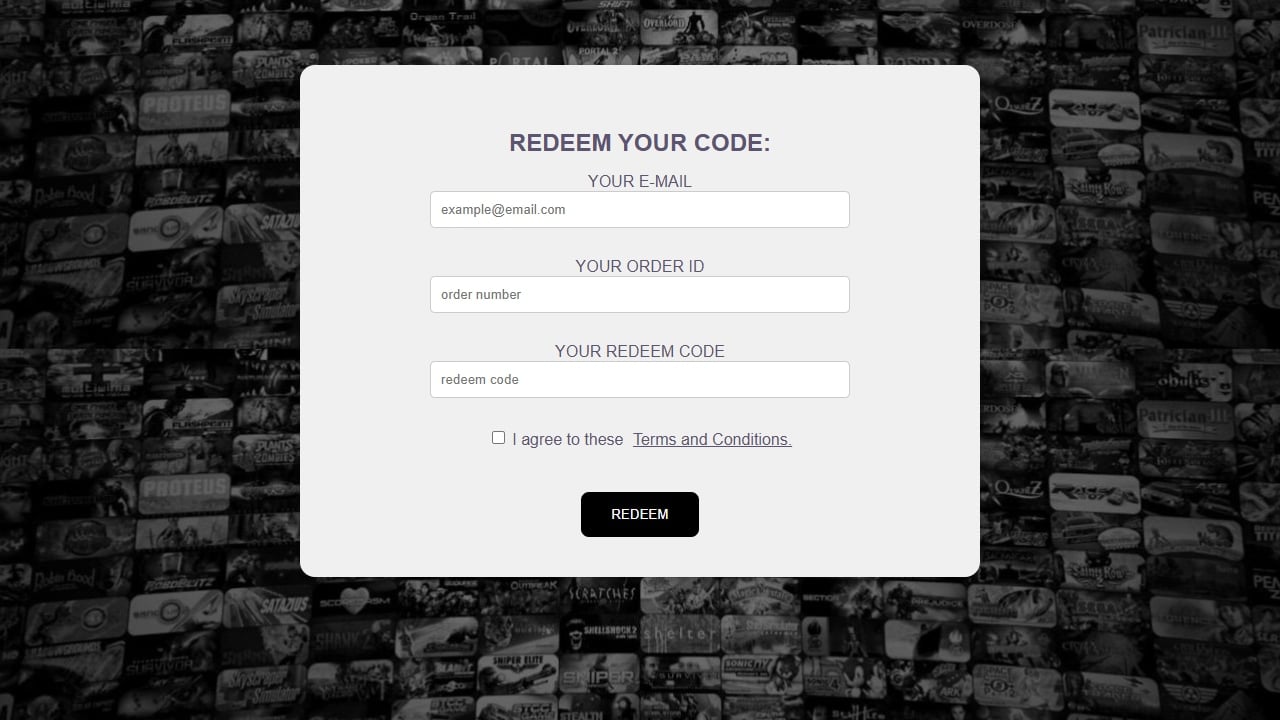
Open the activation link and enter your order ID and redeem code. After pressing REDEEM you will see your account details.
Dingdang_game
Enter your order ID, redeem code and email address and press REDEEM. A processing window appears while your purchase is delivered; after a short wait you will see the login details of your new account.
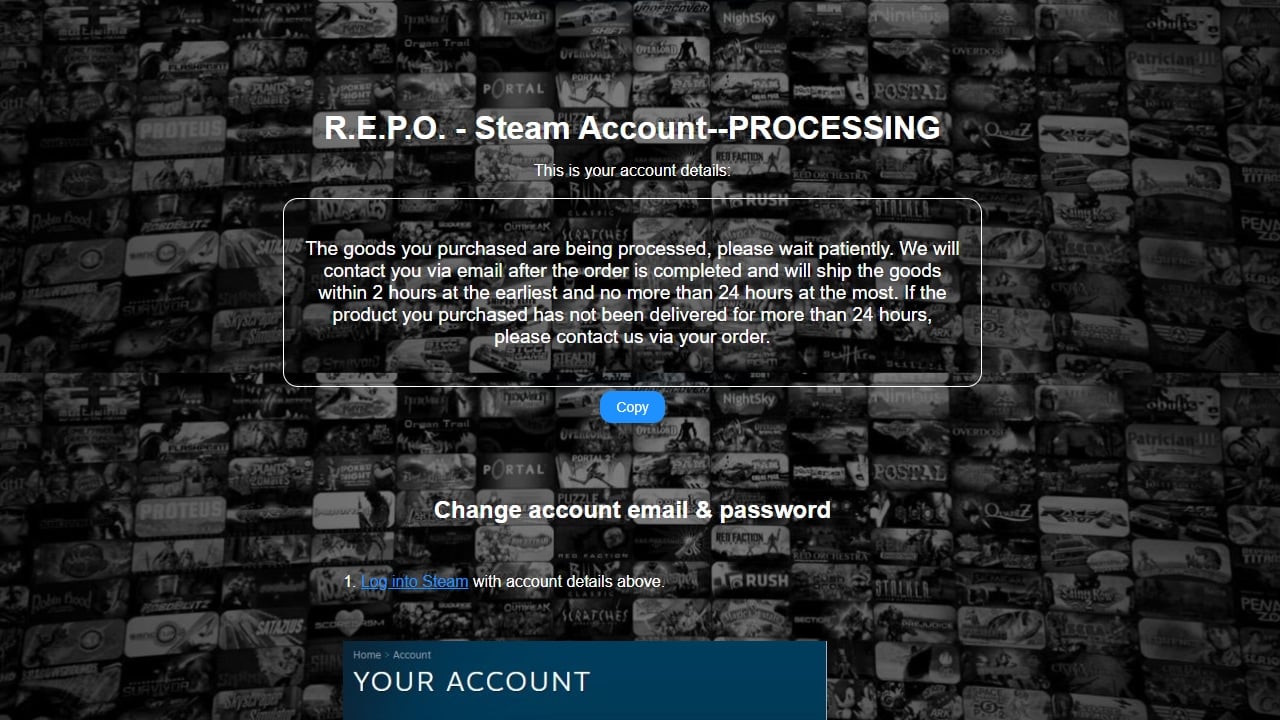
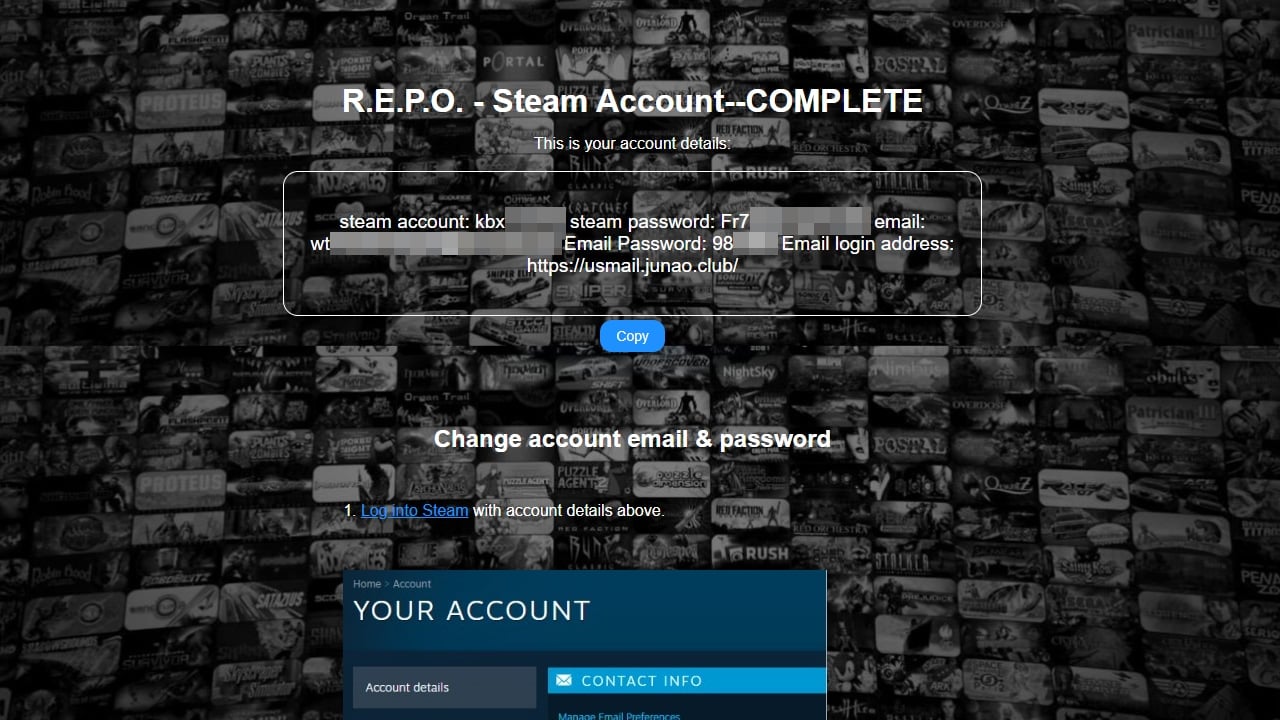
In every case the final step is the same: log in to Steam with the provided credentials and change the account's email and password from the account settings, as explained above.
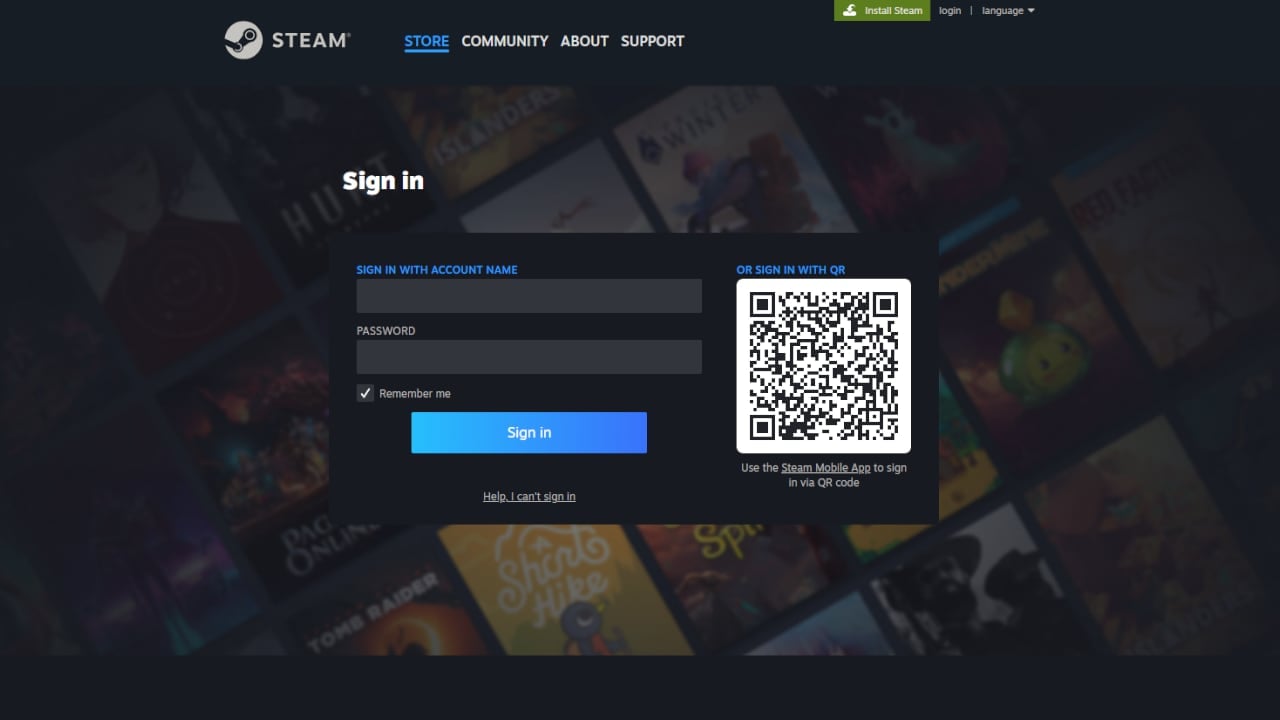
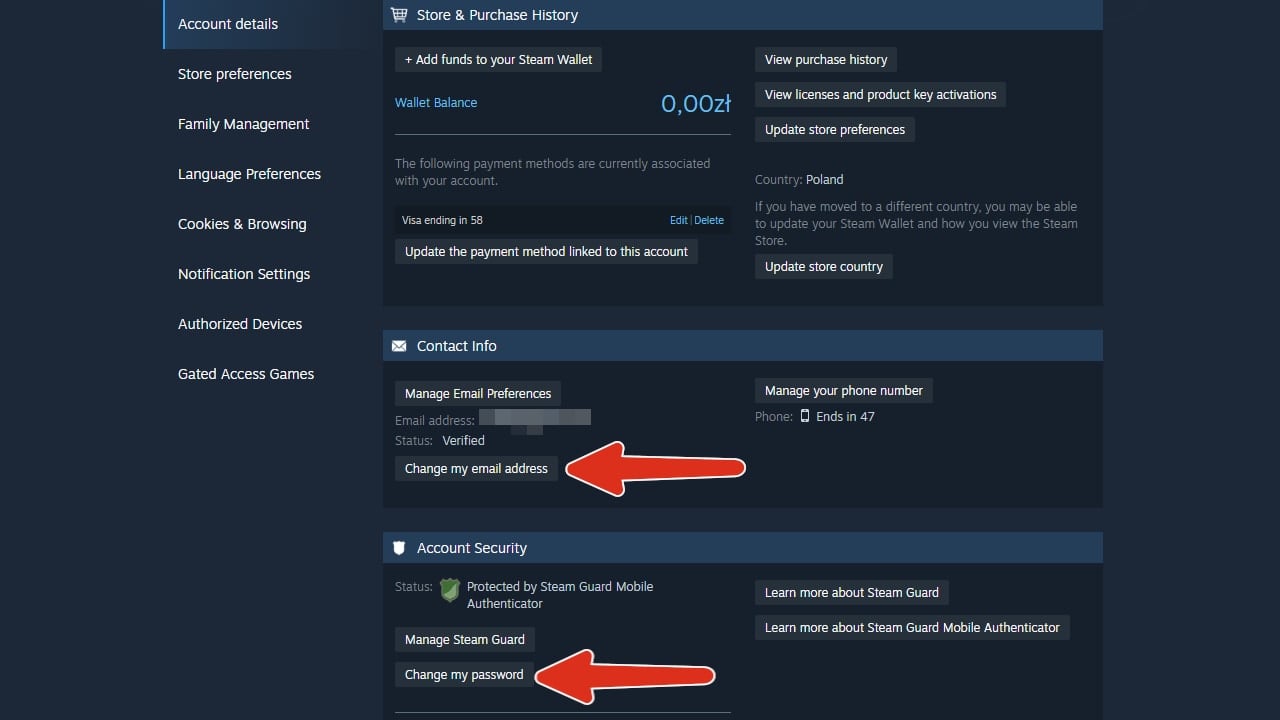
Secure your new account
- Change the email and password immediately after activation.
- Enable Steam Guard (two-factor authentication) from the Steam settings.
- Do not share the credentials with anyone.
- Keep the purchase receipt and the activation data until you have verified everything works.
Frequently asked questions
Is the game added to my personal Steam account?
No. The game belongs to the new account you receive. You play by logging in with that account — that is why this format is noticeably cheaper.
Can I play online and unlock achievements?
Yes. It is a regular Steam account: multiplayer, achievements and cloud saves work normally within that account.
What should I do first after activating the account?
Change the email and password right away so the account is under your control, and enable Steam Guard for extra security.
What if the credentials do not work?
Contact the seller's support through the store where you bought it. Marketplaces offer buyer protection for these cases — keep your order number at hand.
Source: G2A

Buying guides and price comparisons written alongside live prices from the stores verified by GOCDKEYS.

 Italiano
 English
 Español
 Português
 Deutsch
 Français