





Key facts
- Cheapest right now
- € 2020 · Official Key · Global · Kinguin
- Live offers
- 2 offers · 2 stores
Want to see more from Gocdkeys on Google?
You need to be signed in to your Google account.
When the listing shows Adobe Acrobat Pro offers at wildly different prices, the difference is almost never the software. It is the type of licence you are buying and how long you get to keep it. This guide translates the labels before you pay.
Two ways of paying for the same program
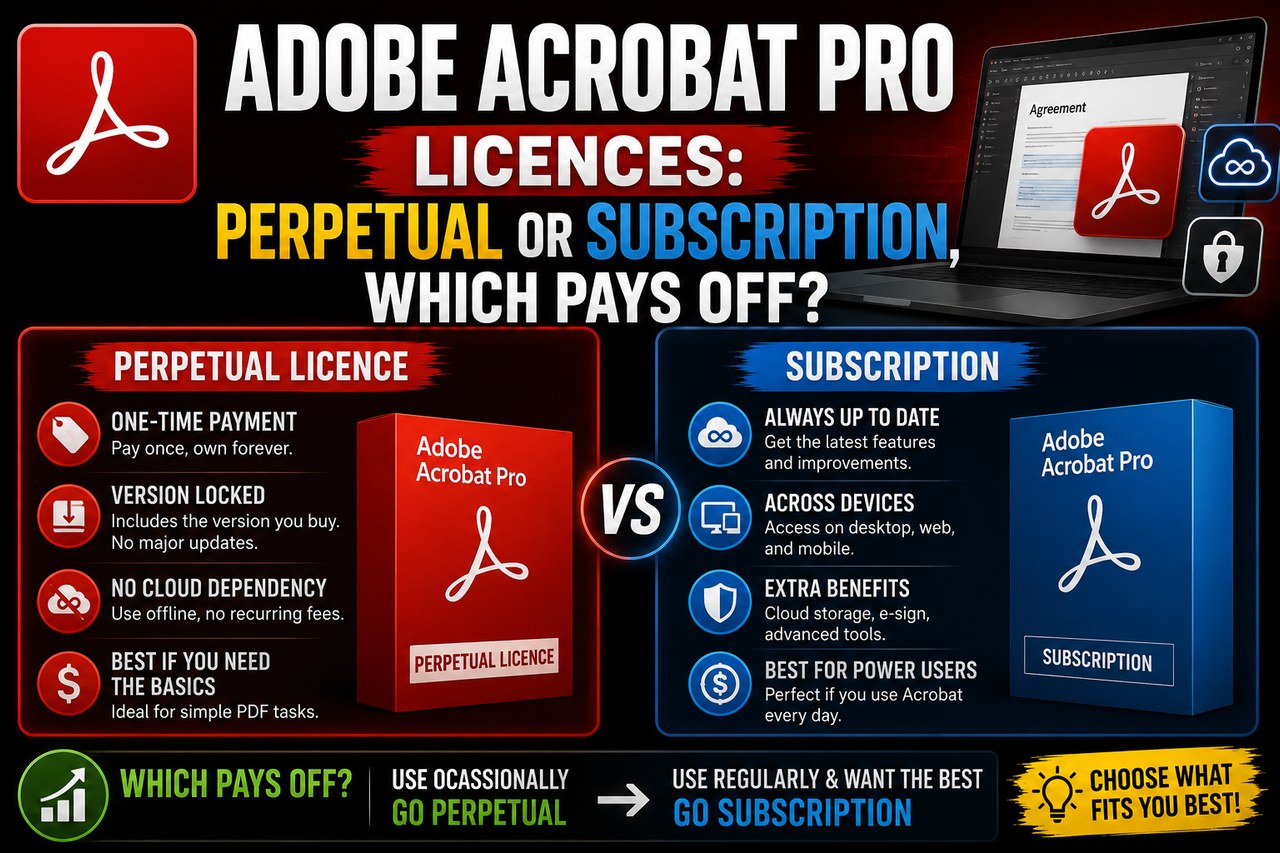
Acrobat Pro is sold in two ways that coexist. The subscription is the main route: you pay monthly or yearly, the program updates itself and the cloud services come with it. The perpetual licence — the classic version, identified by its generation — is paid once and never expires, but it stays frozen on the version you bought.
| Perpetual licence | Subscription | |
|---|---|---|
| How you pay | One single payment | Monthly or yearly fee |
| If you stop paying | It keeps working | The program locks |
| New features | None; maintenance only, for a limited period | They arrive as they ship |
| Cloud and mobile | Very limited | Included |
| Windows and Mac | A different licence for each system | The same account covers both |
What do the labels on the offers mean?
Every offer in the comparison carries a short label. It is the most reliable clue to what you are buying:
- Lifetime — perpetual: one payment, no expiry date.
- 12 Months — a one-year subscription; when it ends, you renew.
- Lifetime MAC ed. — the perpetual build for macOS. The Windows one will not run on a Mac.
- Standard — the plain key or code format, with no more nuance than the product page states.
- A label with a generation ("… Edition") — that points at the version of the program, not at how long the licence lasts. The two get mixed up constantly.
When does each one pay off?
The maths is short: divide the price of the perpetual licence by the years you expect to use it and compare that with the annual plan on the same day. If you work with PDFs daily for several years and do not need the newest features, perpetual usually wins. If you depend on e-signatures, shared reviewing or opening documents from a phone, the subscription is exactly what pays for those services.
And there is a third case, the most common among people who arrive looking at price: you need to convert, merge and fill in PDFs now and then. An earlier generation does the same job for considerably less. You can look at another generation of Acrobat Pro or the Standard variant, which trims the advanced tools and the price with them.


Windows and Mac do not share a perpetual licence
This is the mistake that drives most refunds on this product. A perpetual licence is bought for one system: the Windows one will not activate on a Mac and the other way round. That is why the listing carries offers that look identical except for a "MAC" tag. The subscription has no such problem: the same Adobe account installs on both.
From the code to having the program open
The process barely changes between stores. You need an Adobe account; if you do not have one, it is free to create. With the account ready, the store hands you one of two things:
- A code to redeem in your Adobe account. Once redeemed, the licence is attached to that account and the installer downloads from there.
- A serial number that you type the first time you open the program, after installing it.
Either way the licence ends up tied to the account you register it on, so redeem it on yours and not on a borrowed one. Keep the purchase email too: that is what the store will ask for if it ever needs reactivating.
Once the licence type is clear, comparing is a matter of reading each label. You can buy Adobe Acrobat Pro DC key after checking whether what you pay for is perpetual or a subscription with an end date.

Buying guides and price comparisons written alongside live prices from the stores verified by GOCDKEYS.

 Italiano
 English
 Español
 Português
 Deutsch
 Français