






 Italiano
 English
 Español
 Português
 Deutsch
 Français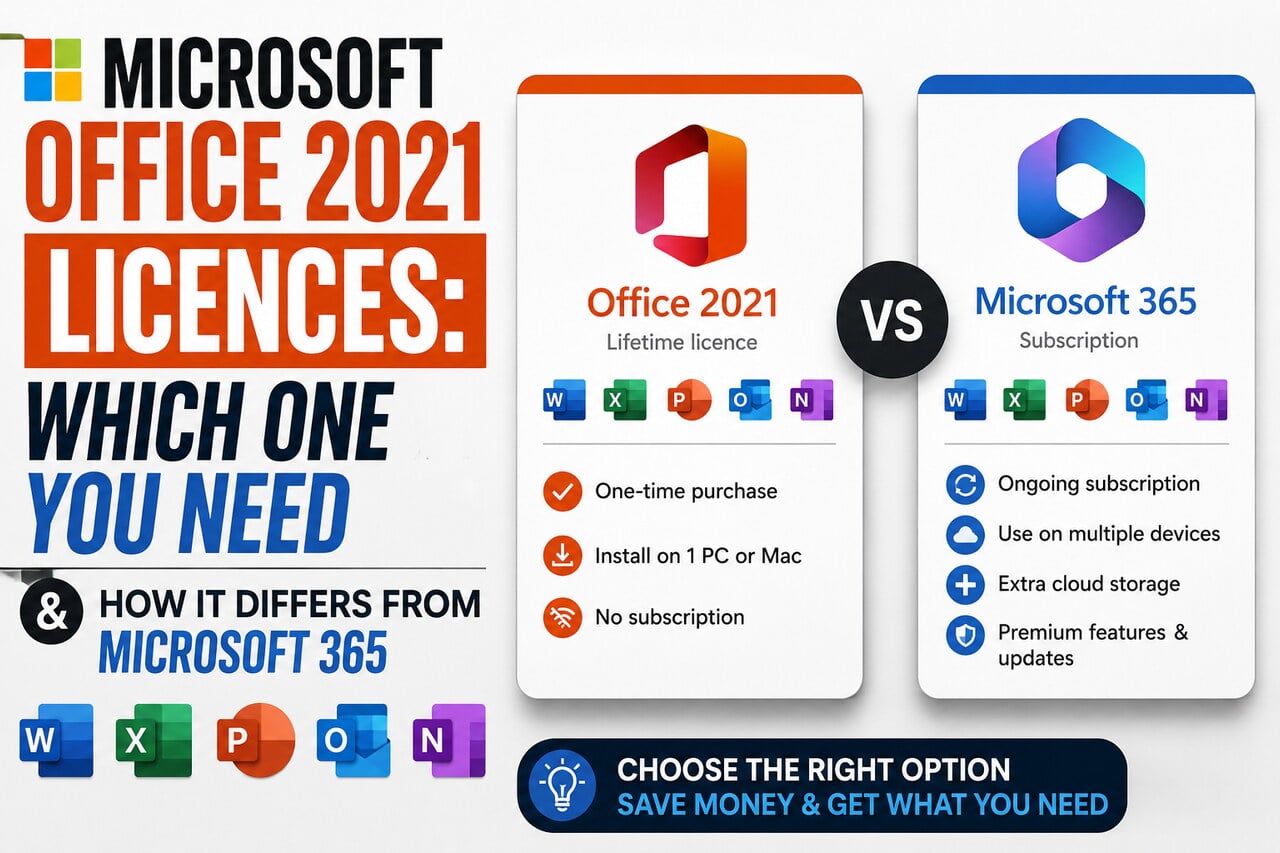
Key facts
- Cheapest right now
- € Pro Plus Phone Ac. · Official Key · Global · Bitcodes
- Live offers
- 24 offers · 12 stores
Want to see more from Gocdkeys on Google?
You need to be signed in to your Google account.
Searching for Office 2021 and running into seven different labels — Standard, Professional, Pro Plus, "phone activation", Retail, five PCs, Mac — is the normal experience. They are not shop decoration: they change what you install, on how many machines, and what happens when you switch computers. This guide translates every label and ends with the question that actually matters: one-off payment or subscription.
What exactly is Office 2021?
It is the buy-once version of the suite: you pay a single time, it stays installed and it does not expire. It includes Word, Excel, PowerPoint and OneNote; depending on the variant, also Outlook, Publisher and Access. What it does not include is anything added later: Office 2021 gets no new features, only security patches and fixes for the length of its support cycle.
What is the difference between Standard, Professional and Pro Plus?
Essentially how many applications are in the box and which sales channel the licence came from. This is what you will see in the listings:
| Variant | What it usually includes | Who it makes sense for |
|---|---|---|
| Standard | Word, Excel, PowerPoint, OneNote and Outlook | Home and study use; the most common one |
| Professional | The above plus Publisher and Access | Anyone who needs databases or basic layout work |
| Pro Plus | The full pack, with the professional-line applications | Anyone who wants everything, no thinking |
| Professional / 5 PC | The Professional pack with multi-machine rights | Families and small offices |
| Mac Edition | The suite built for macOS | Mac users; Windows licences do not work here |
| + Windows 11 Pro | A bundle with the suite and the operating system | Building a machine from scratch |
What does "phone activation" mean?
That the licence will not activate silently over the internet: when you enter it, Microsoft's wizard asks you to finish activation through the automated phone channel. It works, but it adds a step and usually signals a licence from a channel other than the retail box. If that extra step bothers you, or you reinstall often, look at listings without that label even if they cost a little more.
Why are some Office 2021 licences two pounds and others a hundred and fifty?
Because they are not the same product or the same channel. A single listing can mix retail licences, multi-machine packs and keys from far cheaper channels with different activation terms. Our advice is simple and never changes: read the label before the price, and treat a two-orders-of-magnitude gap with no explanation as a warning. Here are the live offers with their labels on show.


Office 2021 or Microsoft 365?
The real question is not which is better, but how many years you will use it:
| Office 2021 | Microsoft 365 | |
|---|---|---|
| How you pay | Once, forever | Monthly or yearly fee |
| New features | None arrive | Added continuously |
| Machines | Depends on the variant you buy | Several devices per subscription |
| Cloud storage | Not included | Included |
| If you stop paying | Keeps working | The apps become restricted |
Rule of thumb: if you write documents, spreadsheets and presentations and need neither cloud nor new features, the one-off payment pays for itself in a little over a year. If you work in a team, share files and want the storage, the subscription wins despite paying forever.
What should you check before paying?
- The operating system. A Windows licence is useless on macOS, and the other way round. It is the most expensive and most common mistake.
- How many machines it covers. Installing on a laptop and a desktop needs a variant that allows it.
- Whether phone activation is fine for you. One extra minute at install time, for noticeably less money.
- Which applications you truly need. Paying for Access and never opening it is money thrown away.
With those four points settled, the rest is comparison. You can buy Microsoft Office 2021 key at the best price of the day in the comparator, with each offer's label visible so activation holds no surprises.

Buying guides and price comparisons written alongside live prices from the stores verified by GOCDKEYS.