






 Italiano
 English
 Español
 Português
 Deutsch
 Français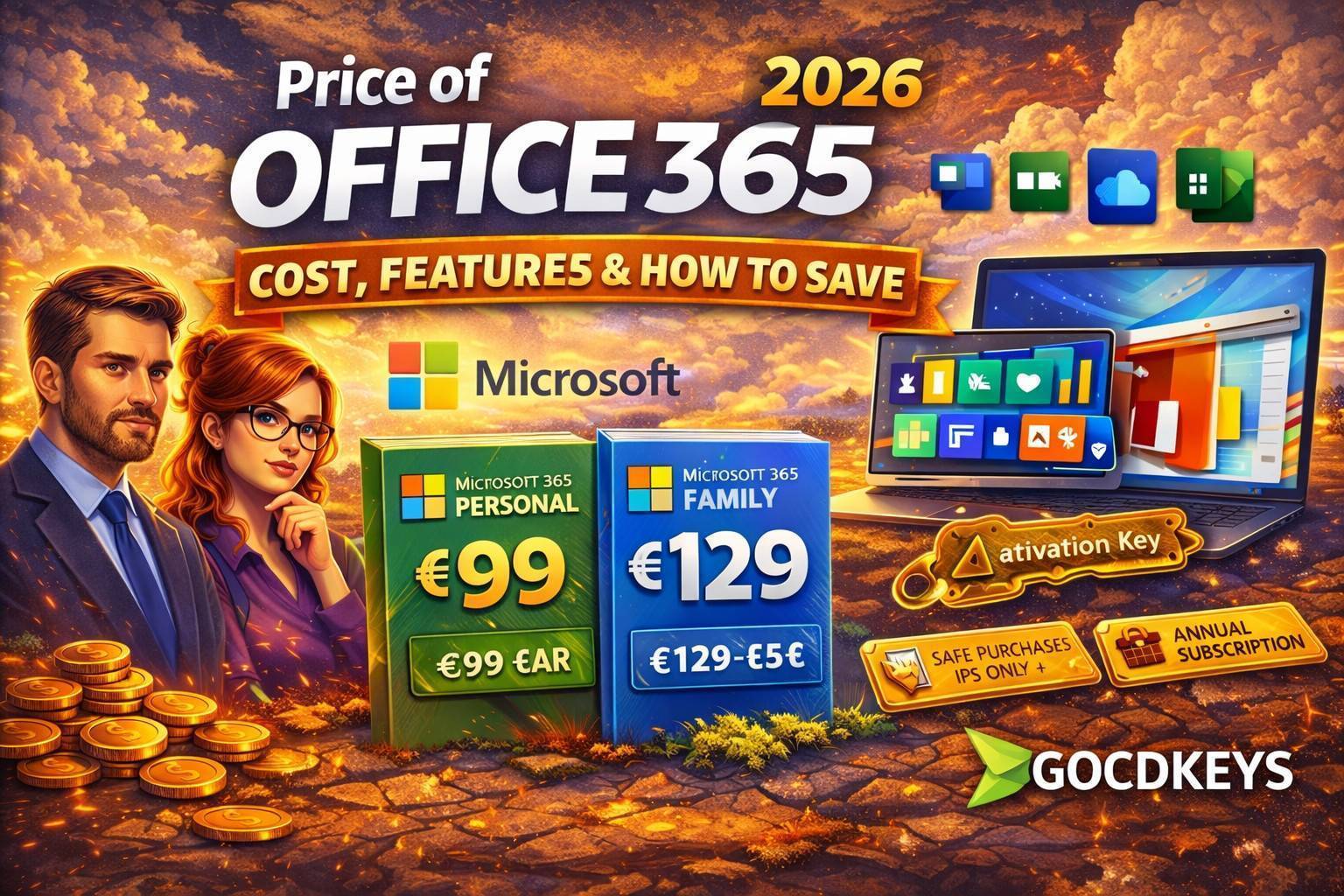
Want to see more from Gocdkeys on Google?
You need to be signed in to your Google account.

How much does Office 365 cost?
The price of Office 365 mainly depends on:
- The plan you choose (Personal, Family, or Premium)
- The length of the subscription
- The purchasing channel
Official Microsoft 365 prices in the United States and subscription duration
According to the official prices shown on Microsoft’s website, these are the current rates for annual subscriptions:
Microsoft 365 Personal
- Official price: $99 per year
- Duration: 12 months
- Users: 1 person
- Includes Word, Excel, PowerPoint, Outlook, and 1 TB of OneDrive storage
Microsoft 365 Family
- Official price: $129 per year
- Duration: 12 months
- Users: up to 6 people
- Includes all Office apps and up to 6 TB of cloud storage (1 TB per user)
Microsoft 365 Premium
- Official price: $199 per year
- Duration: 12 months
- Aimed at users who need advanced AI features (enhanced Copilot)
What the time-based nature of Office 365 means
- The subscription lasts exactly one year from activation
- During that time, you have full access to all applications
-
At the end of the period:
- You can renew the subscription
- Or let it expire without any penalty
Why the official price of Office 365 is usually higher
The price shown in Microsoft’s official store corresponds to a direct subscription model, which involves:
- Recurring payments
- Automatic renewal
- Fixed pricing, with few promotions
Difference between Office 365 accounts and activation keys
When researching Office 365, it’s common to come across two different formats: accounts and activation keys, and it’s important to understand the difference.
Office 365 accounts
- Pre-created access (email and password)
- Less control for the user
- Not always recommended in the long term
Office 365 activation keys
- Activated in your own Microsoft account
- Allow full control over devices and renewals
- Preferred option for most users
- Office 365 Personal: for a single user
- Office 365 Family: for up to 6 different users
Office 365 Personal vs Family: which one should you choose?
Choosing the right plan has a direct impact on the final price:
- Personal: ideal if only one person will use it
- Family: much more cost-effective when shared among multiple users
Is it worth paying for Office 365 every year?
Office 365 is worth it especially if you:
- Use Office applications regularly
- Work across multiple devices
- Need cloud storage
- Want access to the latest versions at all times
How to save money on Office 365 safely
To pay less for Office 365 without taking risks, keep the following points in mind:
- Choose annual subscriptions instead of monthly payments
- Avoid access from questionable sources
- Make sure the format fits your needs
- Buy from platforms specialized in digital licenses

GOCDKEYS Team
Buying guides and price comparisons written alongside live prices from the stores verified by GOCDKEYS.
Related articles
Buying guides