





Want to see more from Gocdkeys on Google?
You need to be signed in to your Google account.
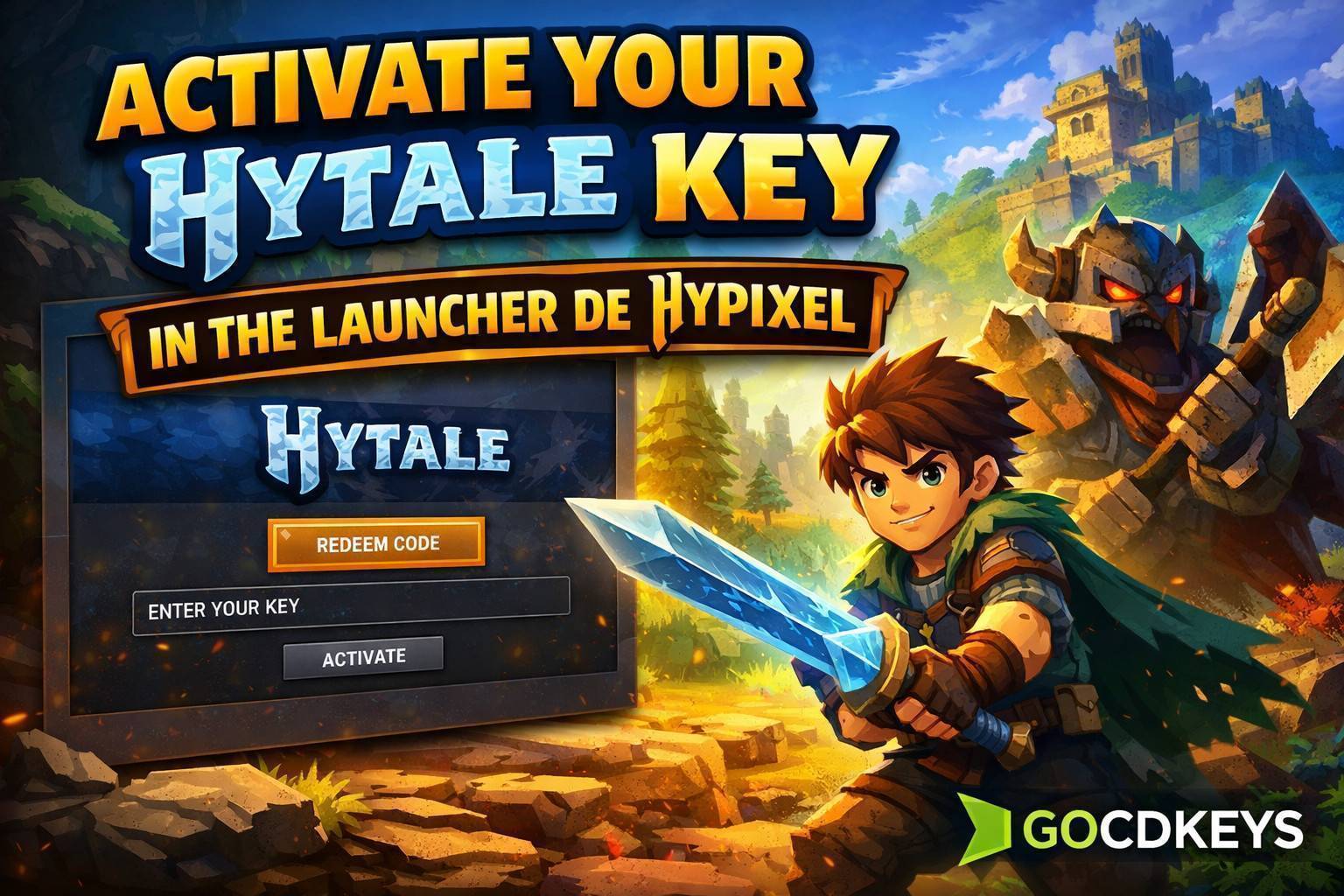
Instead, the game uses the official launcher from Hypixel, which often raises questions among players who are activating a digital key for the first time. In this complete guide, you will find all the steps required to activate your Hytale key, how to download the launcher, which common mistakes to avoid, and a FAQ section designed to solve the most frequent issues.
What You Need Before Activating Hytale
Before you begin, make sure you have the following:- A digital Hytale PC key
- An active Hypixel account
- A compatible PC
- A stable internet connection
Step 1 – Create or Sign In to Your Hypixel Account
Hytale is developed and distributed by Hypixel Studios, which means the game activation is directly linked to your Hypixel account.- Visit the official Hypixel website
- Sign in with your existing account
- If you don’t have one, create a new account using your email address
Step 2 – Download and Install the Hypixel Launcher
- Download the official Hypixel Launcher
- Install it on your computer
- Sign in using your Hypixel credentials
- Download Hytale
- Receive automatic updates
- Access official servers
- Manage additional content and mods when available
Step 3 – How to Activate Your Hytale Key in the Launcher
With the launcher open and your session active:- Open the Redeem Code or Activate Key option
- Enter your Hytale key exactly as provided
- Confirm the activation
Step 4 – Download Hytale and Start Playing
- Open your library inside the launcher
- Select Hytale
- Click Download
- Wait for the installation to complete
Common Problems When Activating a Hytale Key
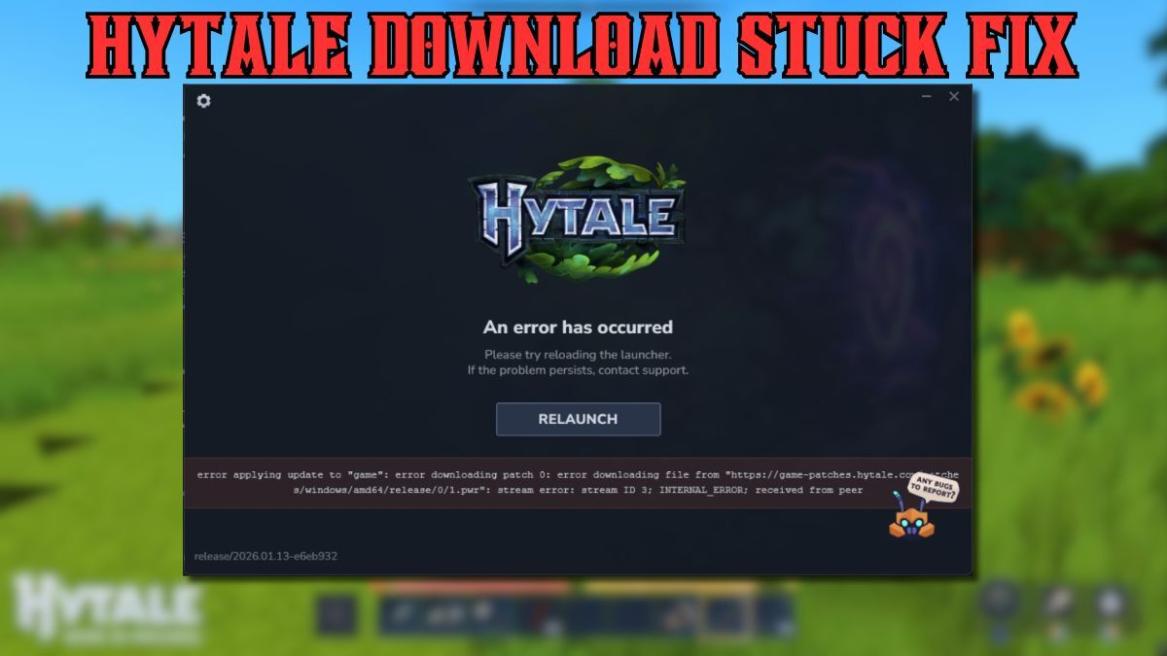
The key does not work
Make sure there are no extra spaces when copying the key, confirm that it is a PC version, and verify that it has not already been used.
The game does not appear in the library
Restart the launcher and check that you are logged into the correct Hypixel account.
Region-related issues
Hytale keys are usually global, but it is always recommended to purchase them from trusted and verified stores.
Why Hytale Is Not Activated on Steam or Other Platforms
Hytale uses its own launcher because it is designed as an independent ecosystem, with dedicated servers, official modding tools, and direct integration with Hypixel’s infrastructure. This approach allows better control over updates, community features, and player-created content.
Frequently Asked Questions About Hytale Activation
Can I activate Hytale more than once with the same key?
No. Each key can only be activated once and is linked to a single Hypixel account.
Can I change my Hypixel account after activating the game?
No. Once activated, the game is permanently associated with that account.
Do I need an internet connection to play?
Yes. An internet connection is required for activation, downloads, and server access. Some features may require a constant connection.
Is it safe to buy Hytale in digital format?
Yes, as long as you buy from verified stores. Comparing prices also helps you get the game at the best possible price.view current Hytale PC deals
Conclusion
Activating your Hytale key using the Hypixel Launcher is a straightforward process if you follow the correct steps. Once completed, you will gain access to one of the most ambitious voxel sandbox games, with a strong focus on adventure, mods, and cooperative gameplay.Having the game activated in advance ensures you will be ready to play from day one without any issues when it becomes available.
GOCDKEYS Team
Buying guides and price comparisons written alongside live prices from the stores verified by GOCDKEYS.
Related articles
Activation guides

 Italiano
 English
 Español
 Português
 Deutsch
 Français