


 PC
 Xbox
 PSN
 Nintendo


 PlayStation 4


PSN top-up cards, denomination by denomination
Every amount we track, with the cheapest live offer for each and the PSN region it credits.
No payment fees
With payment fees
Final prices with fees

 Copied!








 Buying guides
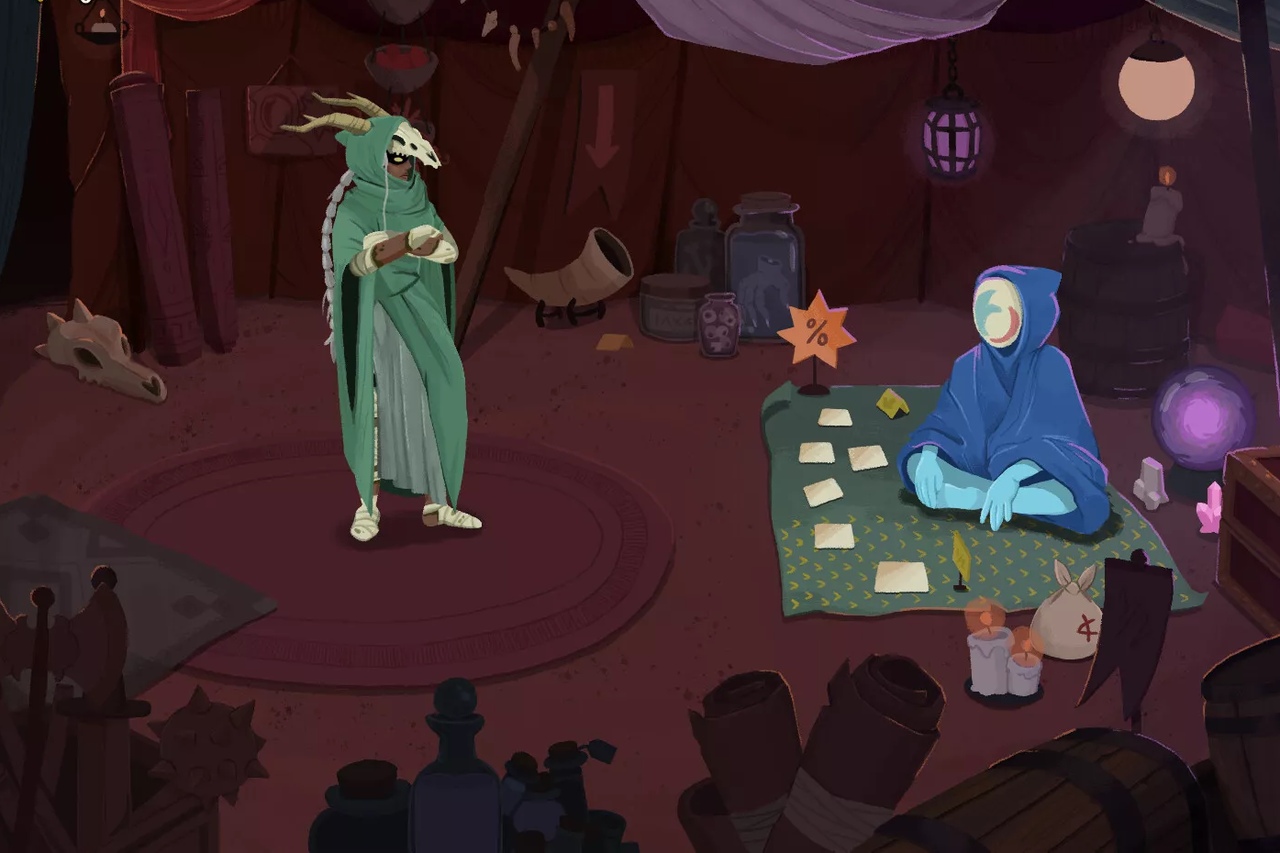
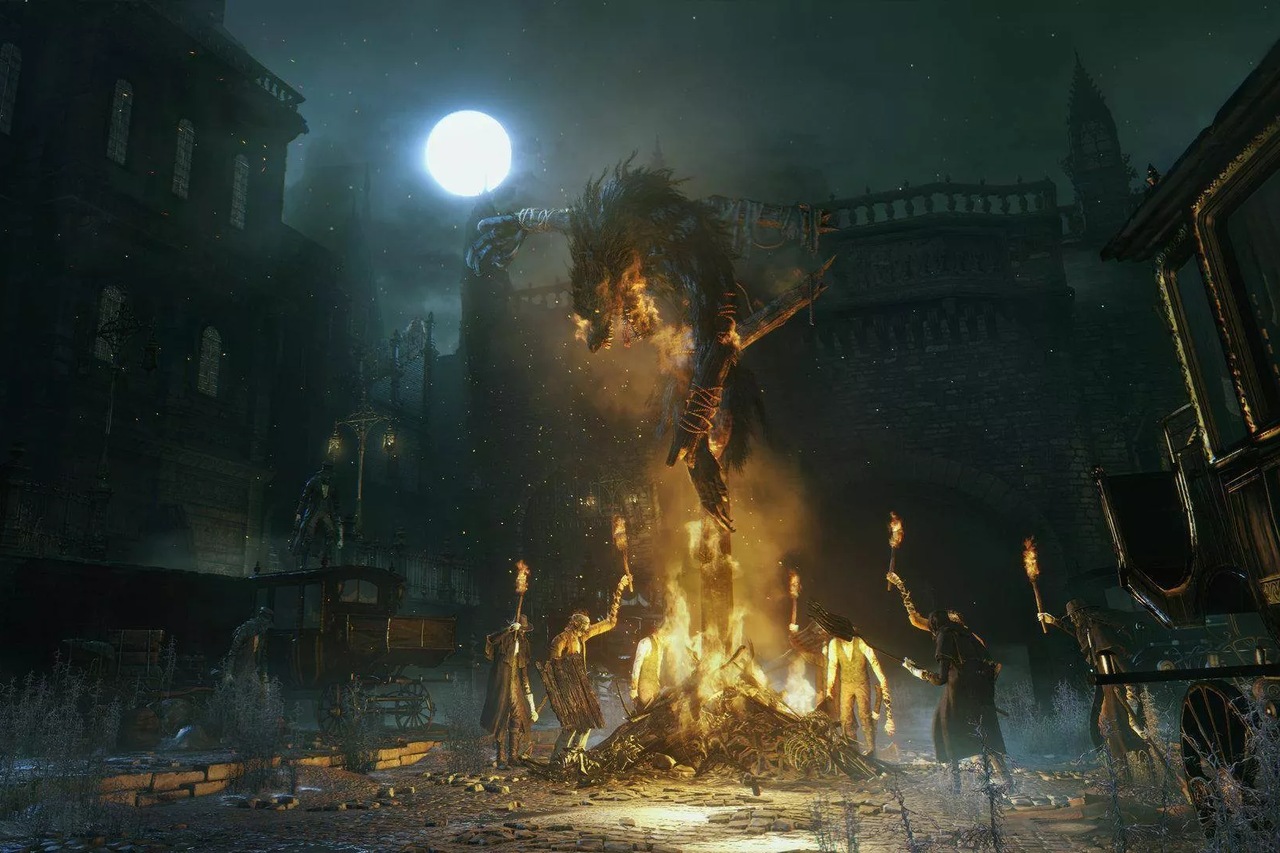
The best zombie games on PS4: Days Gone, Dying Light, Back 4 Blood and 9 more
12 zombie games for PS4, from Days Gone to They Are Billions. Zombie Army Trilogy is €4.99 (no fees) as a PSN Key and Back 4 Blood €10.68 (no fees) on disc.




Frequently asked questions about PSN cards and PlayStation Store funds
A PSN card adds funds to your PlayStation Store wallet to buy games, DLC and subscriptions on PS4 without a bank card. It is perfect for gifting or controlling spending.
PlayStation Store funds come in various amounts (for example 10, 20, 25, 50 or 100). On Gocdkeys we compare each denomination so you pick the one you need at the best price.
You get a code you redeem on your PS4 (PlayStation Store > Redeem codes) or in your account; the balance is added instantly. Delivery is usually immediate.
PlayStation Store funds depend on the account region. Check that the card matches your PSN account region before buying; we label it on each offer.
On Gocdkeys we compare PSN cards and PlayStation Store funds across verified stores, sorted by price, so you top up your PS4 wallet for less.

 Italiano
 English
 Español
 Português
 Deutsch
 Français