






 Italiano
 English
 Español
 Português
 Deutsch
 Français
Want to see more from Gocdkeys on Google?
You need to be signed in to your Google account.
⚡ Quick answer from GoCDKeys
Minecraft is not one game: there are two main editions, Java and Bedrock, and buying one does not give you the other. Bedrock is the one that allows cross-play between console, mobile and PC; Java is PC-only and is the one that supports mods. Buying the wrong one is the most common mistake.

Minecraft Is Not a Single Version (and This Is Where Confusion Starts)
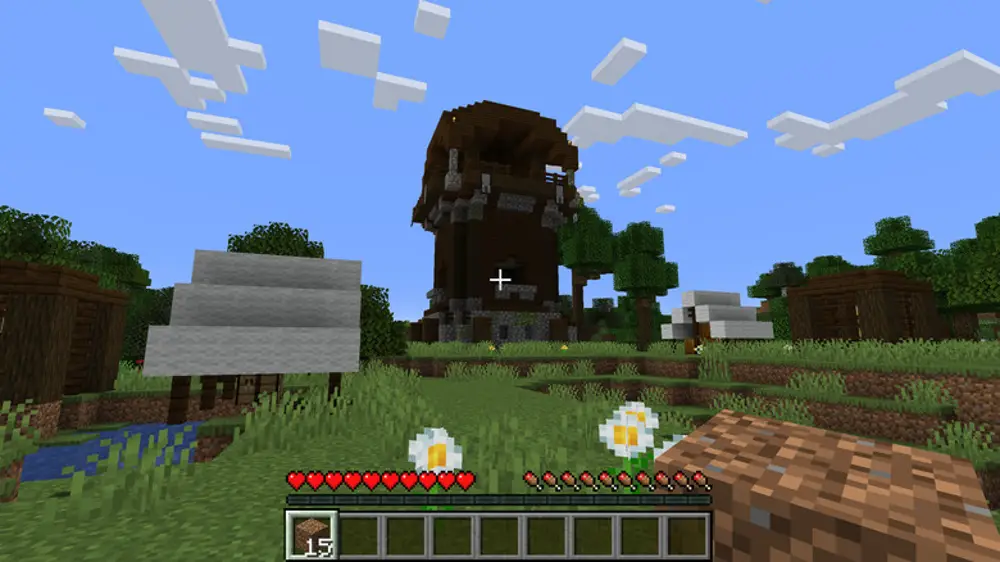
Minecraft originally launched on PC as what is now known as Java Edition. Over time, Mojang developed a different version designed for consoles and mobile devices, called Bedrock Edition. While both share the same core idea, they do not offer the same experience, nor do they work the same way across platforms.Minecraft Java Edition: What It Is and Who It’s For
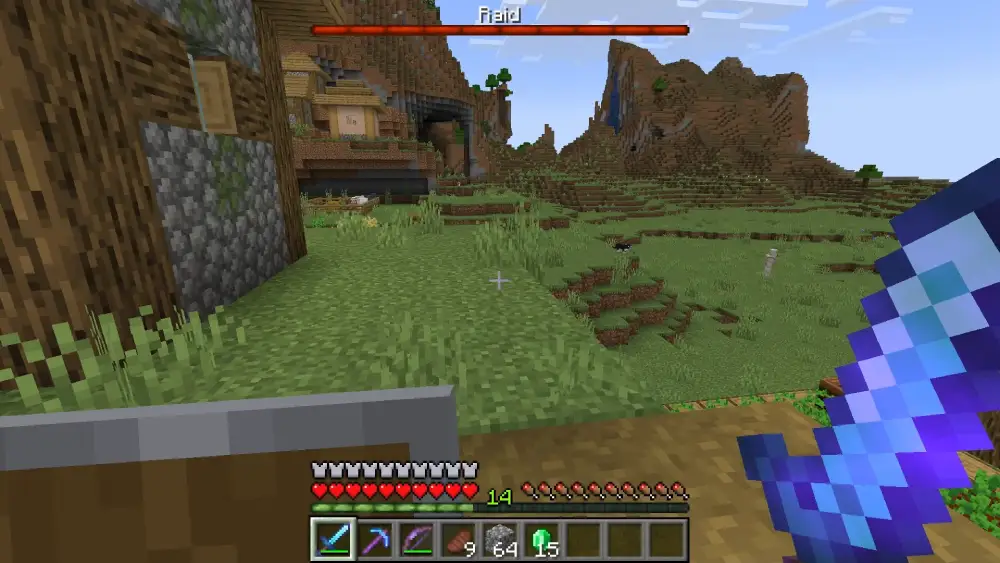
Minecraft Java Edition is the original PC-only version. It is designed for players who want maximum freedom and customization. It stands out for:- A massive modding community
- Custom servers
- High technical flexibility
- Player-created experiences
Minecraft Bedrock Edition: What It Is and Who It’s For
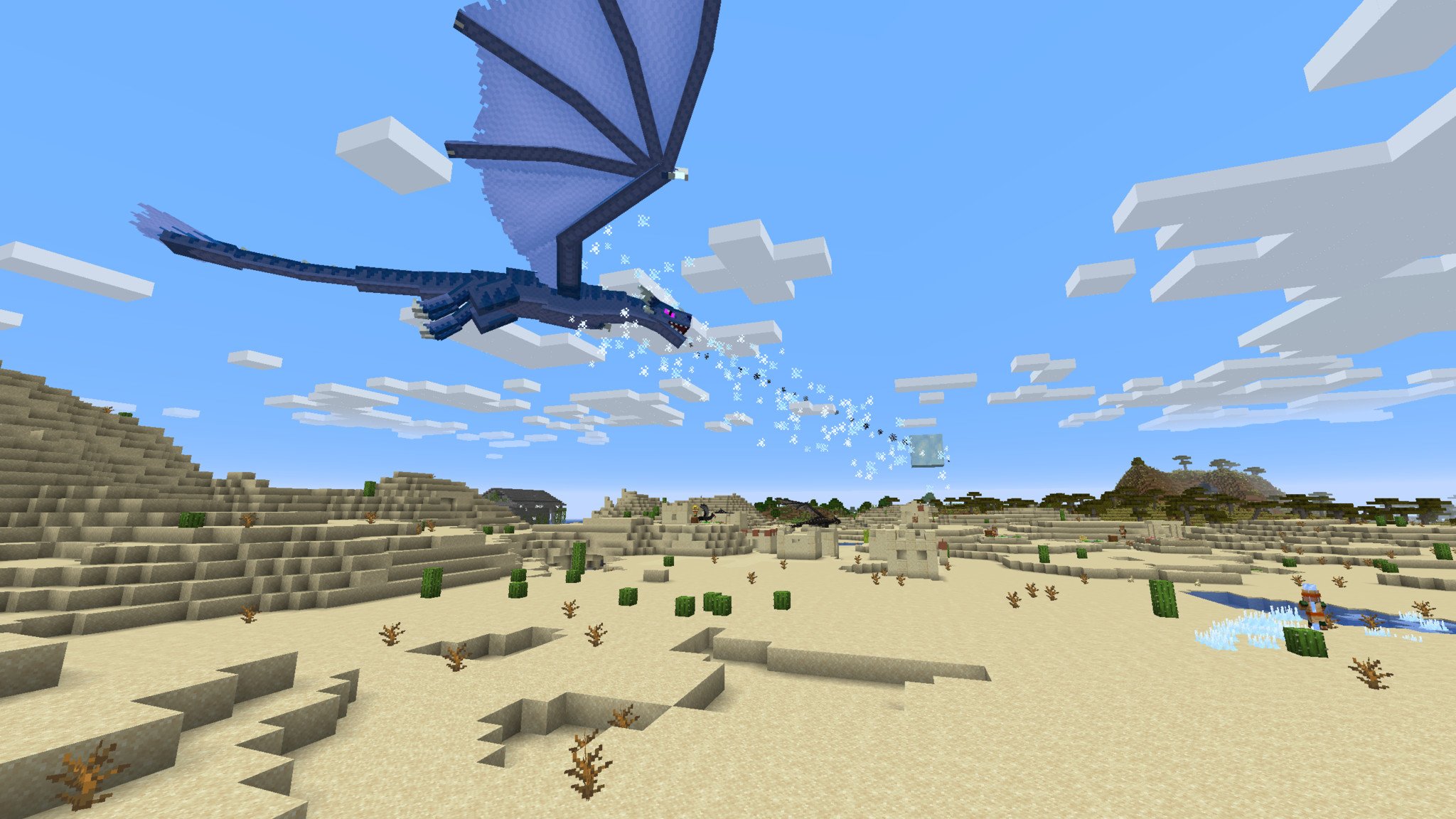
Bedrock Edition is built for consoles, mobile devices, and also PC. Its main advantage is cross-platform compatibility. It’s ideal if:- You play with friends on different devices
- You want a more accessible experience
- You value crossplay
- You prefer a more controlled environment


Minecraft Download and Activation Platforms
Beyond choosing the right version, it’s important to understand where Minecraft is downloaded and how it’s activated, as the process differs by platform.On PC, Minecraft is managed through the official Minecraft Launcher, which requires signing in with a Microsoft account. From there, you can download and play Java Edition, Bedrock Edition, or both, depending on the edition you own. On consoles, activation happens directly through the platform’s digital store (PlayStation Store, Xbox Store, or Nintendo eShop), and the game is tied to your console account. On mobile devices, Minecraft is downloaded via Google Play or the App Store.
This distinction matters because the activation platform determines where you can play and how your purchase is linked.
The Differences That Really Matter (Beyond Technical Specs)
Choosing between Java and Bedrock is not about graphics or performance — it’s about how you want to play. Java focuses on:- Total customization
- A highly technical community
- Advanced servers and mods
- Ease of use
- Crossplay
- Multi-device compatibility
Common Mistakes When Choosing a Minecraft Version
Many players make the wrong choice because they:- Buy Java expecting it to work on consoles
- Assume Bedrock supports the same mods as Java
- Purchase multiple versions unnecessarily
- Don’t consider who they’ll be playing with or on which platform
Which Minecraft Version Fits Your Playstyle?
- Solo or technical player → Java Edition
- Playing with friends across platforms → Bedrock Edition
- Kids or family environment → Bedrock Edition
- Mods, servers, and customization → Java Edition
Before Buying: The One Thing You Should Be Clear About
Minecraft is not a single universal game — it’s an ecosystem with different versions and platforms. Understanding this upfront is essential to enjoying the game without surprises. If, after learning which Minecraft version exists, how it’s activated, and which one fits you, you want to see the available options for Minecraft on PC, you can check them on the game’s main page, where the included editions are clearly shown: see available options for Minecraft on PC
GOCDKEYS Team
Buying guides and price comparisons written alongside live prices from the stores verified by GOCDKEYS.
Related articles
Product info